< lij-universe />
Where every search ends with me.
Ask about Liju or search anything 🕵🏻
v2.4.1 | Powered by AI 👾⚡
Visits: —
|
Online: —
Model
Temperature
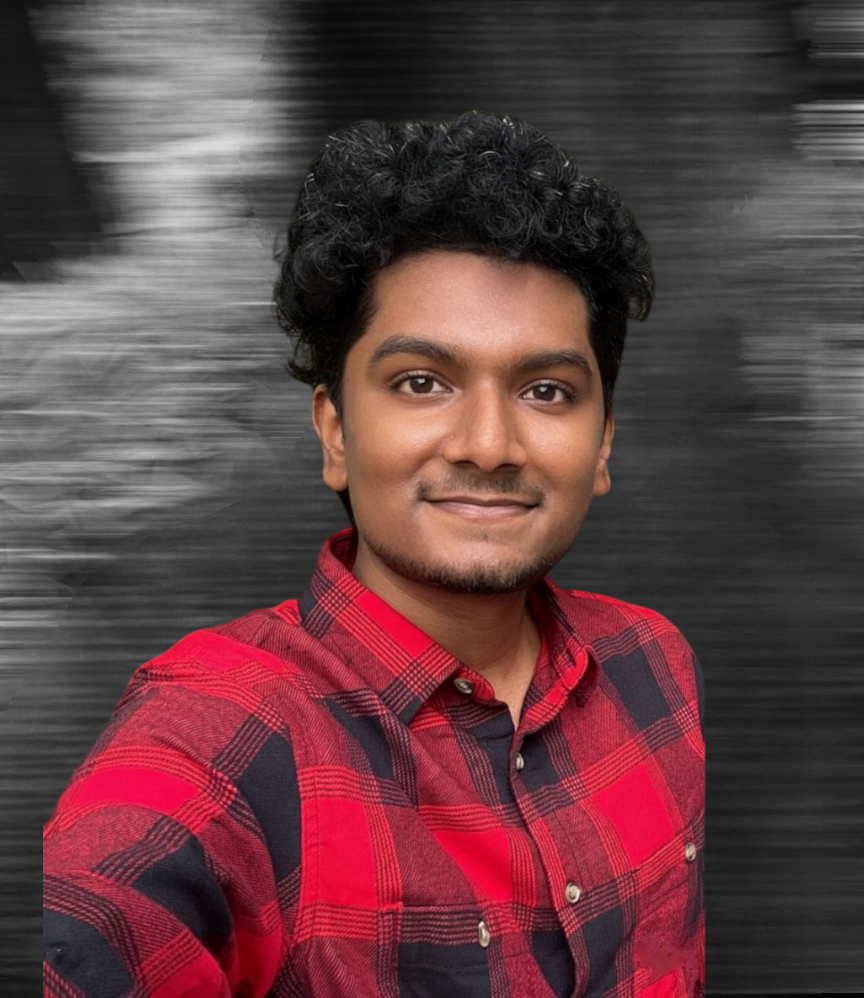
Liju Daniel
Computer Science Graduate | Working on personal projects and learning new skills
https://lijuudaniel.pages.dev/
Liju's website where he showcases his work, articles and the apps he is building. The site also includes his background, contact info and learning journey.
https://in.linkedin.com/in/lijuudaniel
View Liju's professional profile on LinkedIn. A computer science graduate who has worked in IT, with experience in web development, Power BI, SQL snd Java. Previously he worked at Ford and learnt shell scripting and GitHub workflows. He is now exploring opportunities to apply his skills and deepen his expertise.
https://www.snapchat.com/add/liju_daniel
Add Liju on Snapchat if you like. He does maintain streaks and mostly you'll see things around him and in his home. Casual updates, daily life and little glimpses of projects he's tinkering with.
https://github.com/lijuudaniel
Not a big coder but he has tried his best doing some small projects and bringing his ideas to reality. On his GitHub you'll find all his ideas as websites.
https://www.facebook.com/people/Liju-Daniel/100008322639223/
Liju is mostly inactive here but you can add him if you want.
https://medium.com/@lijudaniel73
Read Liju's Medium articles on technology, personal experiences, health reflections, and learnings from AI and data tools. A space where he shares thoughts, insights, and beginner-friendly guides.
https://www.instagram.com/lijuudaniel/
Active here — this is Liju's day-to-day corner online. Private account so you've to follow to see his posts and updates.